
Small team with no marketing specialist buys a separate tool per channel
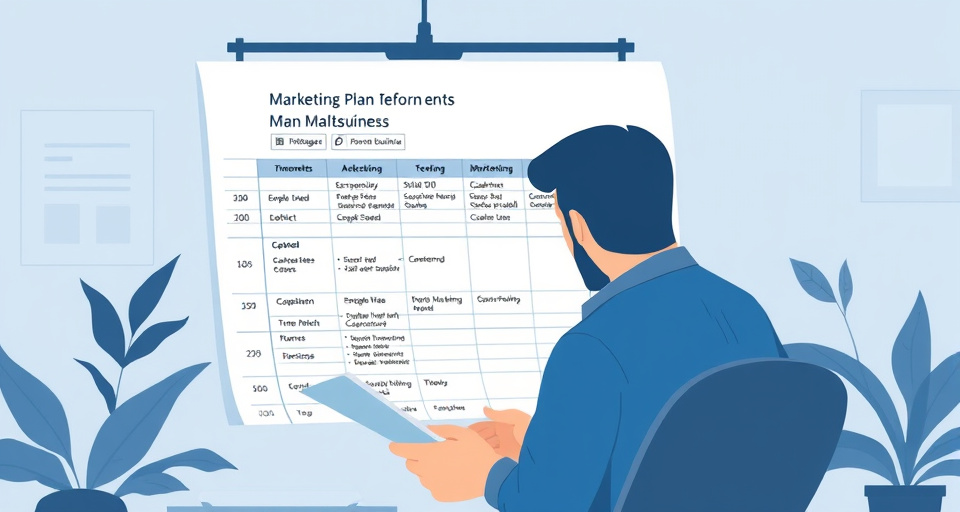
A two- or three-person business usually ends up with a different vendor for each job: one app for email, another for scheduling social posts, a spreadsheet standing in for a CRM, and a design tool bought separately for graphics. Nobody planned it that way — each tool got added the month it was needed, and none of them were chosen against the others.
The predictable result is tool sprawl. Contact lists live in three places at once, none of them synced, so a customer who unsubscribes from email still gets a text, and a lead captured on a landing page has to be typed by hand into whatever holds the CRM data. Campaign Monitor's breakdown of small-business marketing tools groups the standard tool types this way — email, social scheduling, CRM, SEO/website, and design — precisely because these are usually bought as separate products, not because they work well kept separate.
The symptom that actually forces a decision is usually not the manual re-entry itself but the fact that a campaign can't be measured end to end. A promotion goes out by email, gets echoed on social, and drives some traffic to a landing page, but nothing connects a sale back to which channel produced it. At that point there are two honest fixes, and the choice between them is a diagnostic, not a preference:
- If the gap is missing features — no landing page builder, no way to segment a list, no reporting across channels — consolidating onto an all-in-one platform closes it in one move.
- If the gap is missing connections — the features already exist in each tool, they just don't talk to each other — adding integrations between the existing tools is cheaper and less disruptive than migrating everything.
Answering that question honestly before shopping is what decides whether the next step is switching platforms or just plugging the current ones together.
Budget is the binding constraint, so a free option is required
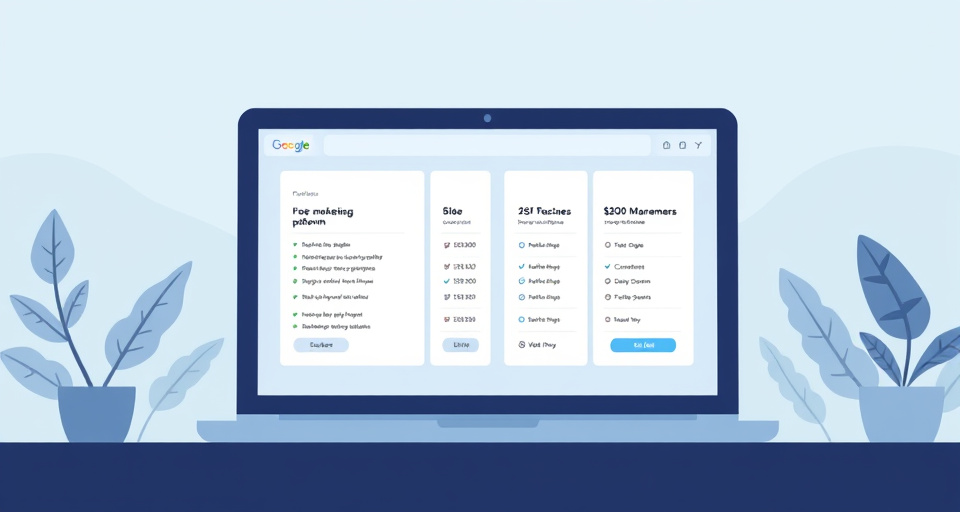
When the budget is close to zero, the first thing to establish is not which free tool has the most features but whether "free" means a permanent tier or a trial that expires. The U.S. Chamber's CO guide to free small-business marketing tools and FedEx's roundup of online marketing tools both list products under "free," but the two categories behave very differently once a business starts depending on them: a trial has a hard end date regardless of usage, while a genuine free tier keeps running indefinitely until a specific limit is crossed.
That limit is the number that actually matters, and it takes one of three forms:
- A contact cap — the free tier stops (or starts charging) once the list passes a set number of subscribers.
- A send cap — a maximum number of emails or messages per month, regardless of list size.
- A seat cap — free use is limited to one user, and adding a second person triggers the paid tier.
The mistake worth avoiding is picking the free tool with the longest feature list rather than the one whose cap sits comfortably above where the list is headed in the next year. A platform that is free today but converts to paid the moment a list crosses a few hundred contacts has effectively been rented, not adopted — and switching platforms after a list has grown is far more disruptive than choosing a slightly less flashy free tier that has room to grow into.
Write the marketing plan first: which channels and which goal
The plan comes before the platform, not after it. Deciding what a campaign is supposed to accomplish — new leads, repeat purchases, event signups — and which channels reach that audience narrows the shortlist far faster than reading feature comparisons does; Xero's guide to digital marketing for small businesses walks through setting that kind of goal before touching a tool, which is the step most platform comparisons skip entirely.
Some marketers use an informal "3-3-3" split as a starting point for that plan — a small, fixed number of channels, a small, fixed number of content formats, and a short test window before judging results. It doesn't come from a single named authority the way an accounting standard or a legal rule does, so it's worth treating as a rough ratio for a team with limited hours, not a rule to apply literally. What it's actually good for is forcing a short list of channels instead of an attempt to run everything at once with nobody dedicated to running it.
Once the channels are picked, map each one to the capability it actually needs:
| Channel goal | Capability required | Where it lives |
|---|---|---|
| Newsletter or promotion to an existing list | Email marketing tool | Sends and tracks opens/clicks |
| Consistent posting across social accounts | Social media management tool | Schedules and publishes |
| Being found in search | SEO and website tooling | Site structure, landing pages |
| Graphics for posts and emails | Design and content creation tool | Produces the creative |
| Knowing who's a lead vs. a customer | CRM / customer database | Stores the contact record |
From there, shortlist platforms that cover the capabilities the plan actually calls for. Sender's comparison of all-in-one marketing platforms lists several products marketed this way, and comparing that kind of list against published user reviews — rather than against vendor marketing pages alone — is a faster filter than reading every feature list end to end. Before buying anything, confirm the CRM component can actually hold the contact data those campaigns will be built from — a platform that sends beautiful emails but can't segment its own contact list by purchase history or signup source will bottleneck the plan almost immediately.
Campaigns run but results are unclear
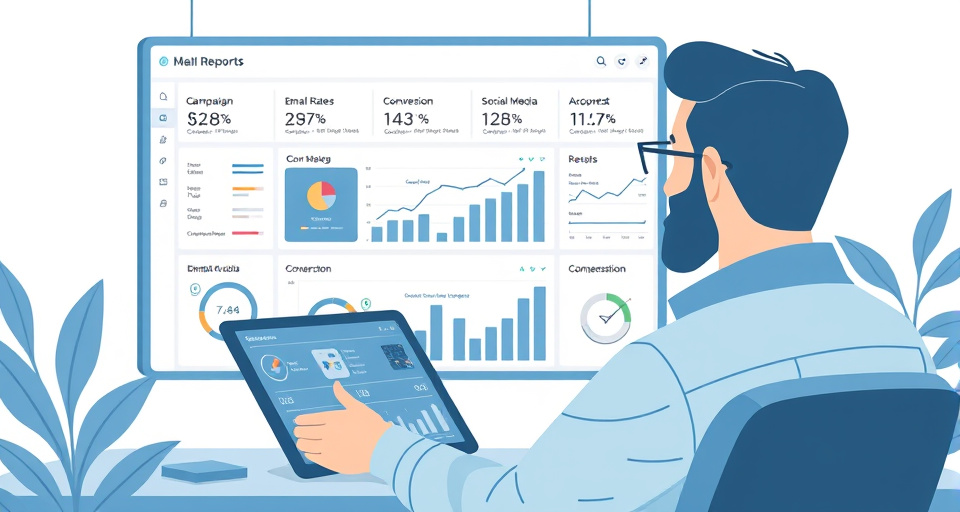
If a campaign has gone out but nobody can say whether it worked, the fix is reporting, not more campaigns. Analytics that break results down by channel — which email, which social post, which landing page — are what turn "we ran a promotion" into "the promotion produced 40 leads and 30 of them came from one email link."
Once a channel is shown to be the one producing results, the practical move is to shift effort and spend toward it and automate whatever is repeatable there — a welcome sequence, a recurring promotion, a scheduled series of posts — rather than treating the platform purchase as a one-time decision. Salesforce's framing of small-business marketing software as tied to a customer record makes this loop possible: the report only means something if the CRM underneath it is the same one campaigns are sent from, so the contact who clicked, the lead who converted, and the customer who eventually bought are the same record, not three disconnected entries.
This turns the platform from a purchase into an ongoing test. The question worth revisiting every few months isn't "should we switch platforms" but "does this tool's reporting still tell us which channel is earning its budget" — and if it doesn't, that's a gap in the reporting, not necessarily a reason to migrate everything to something new.
All-in-one marketing platform
An all-in-one platform bundles email, CRM, social scheduling, and landing pages into one product, which is the framing most marketing-software comparisons default to. The appeal is straightforward: one login, one contact database, one bill.
The tradeoff is that consolidation is worse than a stack of separate tools in a few specific situations:
- When one channel needs a genuinely specialized tool (heavy SEO work, complex design) and the bundled version is a stripped-down feature, not a real substitute.
- When the business only needs one or two of the bundled capabilities and is paying for the rest anyway.
- When switching means re-training staff on an entirely new interface for functions that were already working fine separately.
Before buying an all-in-one platform, check what it actually integrates with outside its own bundle — accounting software, e-commerce platforms, the point-of-sale system already in use. A platform that claims to do everything but can't pass data to the tools a business already depends on just moves the sprawl problem inside one vendor instead of solving it. It's also worth checking, before signing an annual contract, how contacts, campaign history, and templates can be exported if the business ever needs to leave — a platform that makes data easy to import and hard to export is a cost that only shows up at the exit.
Point-solution marketing tool
A point-solution tool does one job — email only, design only, scheduling only — and is chosen on its own merits rather than as part of a bundle. This suits a business that already has a working CRM or accounting system and just needs one missing piece, rather than a full replacement of everything.
The case for point solutions is strongest when the existing setup is already functional and the gap is narrow: a business with a solid customer database that just needs a better way to design social graphics doesn't need to migrate its contacts to get one. The case weakens as more point solutions accumulate, because each one adds another login, another export/import step, and another place customer data can drift out of sync — which is the tool-sprawl problem from the first section, arrived at from the opposite direction.
The practical filter is whether the tool being added can pass data to whatever already holds the contact record, rather than becoming a fourth or fifth silo.
Email marketing tool
An email tool sends and tracks list-based campaigns and is the one channel every marketing setup ends up with regardless of what else it includes. Its core job — building a segment, sending to it, and reporting opens and clicks — is unglamorous but is also the piece most directly tied to revenue, since it's the channel a business fully owns rather than rents from a social platform's algorithm.
The two things worth checking before choosing one are the same caps that decide any free-tier question: the contact limit before pricing kicks in, and whether automation (welcome sequences, abandoned-cart follow-ups) is included at the entry tier or reserved for a higher one. A tool that's cheap at 500 contacts but charges a steep premium at 2,000 is a bill that arrives on a schedule set by list growth, not by usage — worth modeling against expected growth before signing up rather than after the first overage charge appears.
Social media management tool
A social scheduling tool queues and publishes posts across multiple accounts from one place, which is the main reason a small team adds one: posting consistently across two or three platforms by hand is one of the first tasks that becomes unmanageable without a dedicated marketing hire.
What these tools don't replace is a content plan — a scheduler makes it easier to post consistently, but it doesn't decide what to post or whether it's working. That's still the job of the reporting loop described earlier: a scheduling tool is only useful if its results feed back into the same place the email and CRM data live, so a post that drives signups shows up in the same report as the email campaign that also drove signups.
SEO and website tooling
SEO and website tooling covers two related jobs: making a site's pages findable in search, and building the landing pages a campaign actually sends traffic to. A small business needs this piece as soon as any campaign — an email, a social post, a paid ad — links somewhere other than a homepage, because a generic homepage rarely converts the specific offer that drove the click.
In practice this shows up as a page builder for landing pages, some basic on-page SEO checks (page titles, headings, load speed), and a way to see which pages are actually bringing in search traffic. Campaign Monitor's overview of small-business marketing tools groups this alongside email and CRM tooling for a reason: a campaign without a landing page to send people to is missing the step where a click turns into a lead. The practical test before adding this piece is whether the current website can spin up a new page for a specific offer without a developer — if every campaign needs a code change to launch, that's the gap this category exists to close.
This category also matters least for a business that runs entirely through walk-in or referral traffic, and most for one whose customers start with a search. Sizing the investment against how much of the customer base actually arrives that way keeps it from becoming a line item nobody uses.
Design and content creation tool
A design tool produces the graphics, short video, and templated layouts that email and social posts need before they can go out — the creative itself, not the sending or scheduling around it. Without one, a small team either pays a freelancer per asset or reuses the same handful of images until every post looks the same.
What matters for a business with no dedicated designer is less the breadth of the tool and more whether it has templates sized correctly for each channel already built in (an email header is not the same dimensions as a social post), and whether brand elements — logo, colors, fonts — can be saved once and reused rather than rebuilt every time. FedEx's roundup of online marketing tools lists design tools alongside email and social products for this reason: the design step sits upstream of every other channel, and a bottleneck there delays campaigns regardless of how good the sending platform is.
The connection back to the rest of the stack is simple: a design tool that exports directly into the email or social platform in use saves a manual upload step on every single campaign, which adds up quickly for a team with no one dedicated to running it.
CRM / customer database
A CRM stores the customer and lead records that every other campaign tool sends to, which makes it the piece that determines whether "campaigns run but results are unclear" ever gets fixed. Every email, every social click, and every landing-page form should ultimately write back to the same customer record — without that, reporting can show channel activity but never actual customer outcomes.
For a business with no dedicated marketing hire, the practical question about a CRM isn't which one has the most fields but who will actually keep it updated, and how much setup and ongoing time that takes weekly. A CRM that requires an hour of manual cleanup every week from someone who is also running the business day-to-day is a cost that doesn't show up on the pricing page but shows up in whether the data stays usable six months in.
One adjacent question worth separating out clearly: choosing a platform to run a business's own marketing is a different decision from starting a business that offers marketing services to others. The first doesn't require forming an LLC or any particular business structure — it's a purchase, not a new entity. The second is a structure and licensing question specific to the state involved, and it's worth a conversation with a CPA or a state Secretary of State filing office rather than a guess, since the requirements and fees vary by state and change over time. Anyone weighing that second path against "what business is booming right now" is asking a market-timing question a platform comparison can't answer responsibly without a named, sourced growth figure — that belongs in a sector-specific look at startup costs and survival rates, not in a tool comparison.
Pick the one gap — features or connections — that's actually costing time right now, and test the fix against a single campaign before committing a full contact list to it.